
In July we launched the Legatics MCP connector, so any MCP-compatible AI assistant could answer questions from live matter data. Lawyers liked asking what was still outstanding on a deal and getting a straight answer. Then came the obvious follow-up: great, can you update it for me?
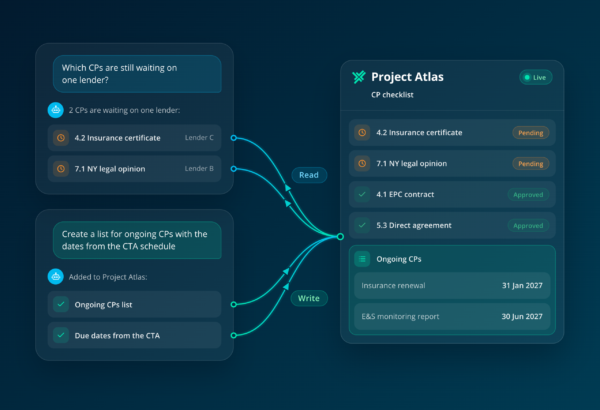
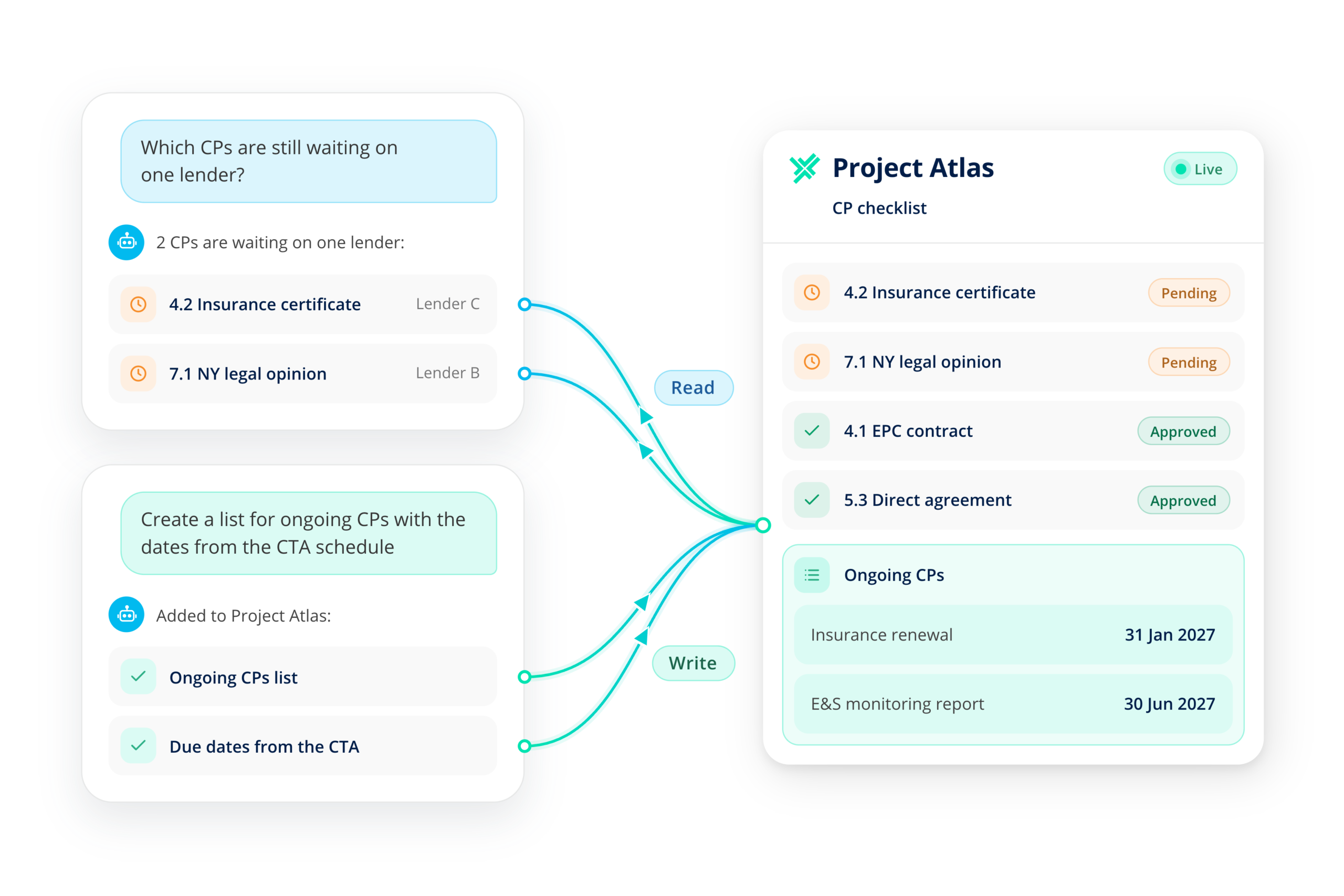
Now it can. Write actions are live in the Legatics MCP connector. Your AI can make changes in Legatics as well as report on them, under the same permissions and controls that already govern your team.
What your AI can now do
Alongside answering questions about matter status, deadlines and outstanding conditions, a connected AI assistant can now:
- Create matters and lists. Set up the structure for a deal without anyone re-keying it.
- Update checklist items. Move items forward as the deal moves, instead of waiting for someone to tick them off.
- Add comments. Leave context directly on the item it relates to.
- Reassign responsibility. Hand an item to the right person when the work shifts.
Every change lands in the matter itself, where your team, your clients and opposing counsel can pick it up. That includes work your AI produces elsewhere. If it reviews a document and drafts a checklist, the result can now go straight into Legatics, ready to work through.
Why this matters
Until now, AI could tell you what needed doing but a person still had to go and do it. That last step is where much of the time goes on a live transaction: compiling status updates, checking a closing checklist against the latest emails, updating a list after a call.
Take a simple example. A partner asks the AI to go through the emails on a matter, work out what has changed and update the checklist. Before, the AI could summarize. Now it can propose the updates and make them so the record stays current without a trainee chasing it.
It also keeps the work in one place. AI output that lives in a chat window helps one person. AI output that lands in Legatics helps the whole deal team.
Control stays with you
Letting AI make changes is a bigger step than letting it read, so the controls matter more. Write actions use the same security model as the rest of the connector:
- Permissions apply. Your AI can only do what its user could already do in Legatics. It never has more access than the person using it.
- Admins set the scope. Your system admin decides what each connected app can do, including read-only if you prefer to start there.
- Everything is recorded. Every change made through MCP appears in the matter’s audit trail, just like a change made directly in Legatics.
- Access is revocable. Admins can revoke any connected app’s access at any time from the Admin System.
If you already have connected apps set up, we recommend reviewing their scopes before you roll out write access to your users.
It’s also worth checking the AI tool itself. Not every tool handles write actions the same way: how it asks for approval before making a change, and how far it supports write actions at all, varies by provider. Check how yours behaves, and brief your lawyers that an approval prompt is a decision. Read what the AI proposes to change before you accept it.
Works with the AI you choose
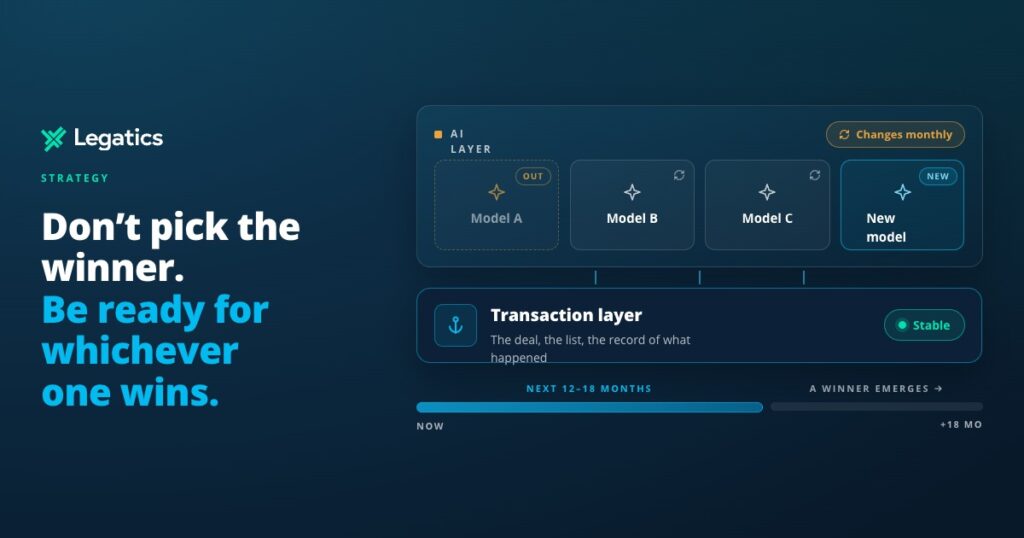
MCP is an open standard, so write actions work with any compatible AI assistant, whether that’s the one your firm uses today or the one it adopts next year. Your matters, permissions and audit trail stay in Legatics either way. That’s the point of transaction infrastructure: the layer beneath your AI stays stable while the tools above it change.
Getting started
Setup takes minutes. Your system admin creates a connected app in the Admin System and chooses its scopes. Users then connect their AI tool and approve access. Read and write access are included for all Legatics customers at no additional cost.
To see write actions in action, book a demo or speak to your Legatics contact. Setup guides are in our Knowledge Hub.