Status updates buried in inboxes, not the document
Clients in the dark unless someone manually updates them
How Legatics helps
One live list, no versions, no conflicts
Everyone sees updates the moment they happen
Clients have real-time visibility without asking for it
Transaction checklists shouldn’t live in email attachments
Managing deals with Word and Excel means endless version control headaches. You’re formatting tables, chasing updates and wondering who has the latest file.
Set up in seconds, updated in real time, with everyone always working from the same version. Create multiple lists per matter to organise different work streams.
One list for everyone
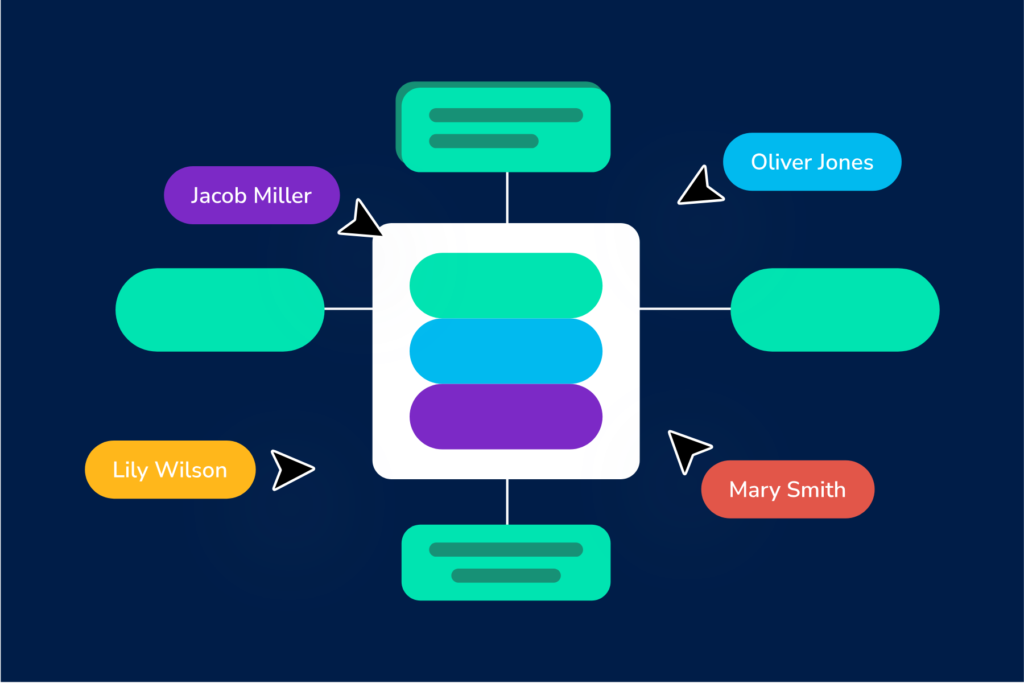
Lawyers, clients and counterparties all work from the same live list. No emailed copies, no version conflicts, no chasing the latest file.
Share exactly what each party needs
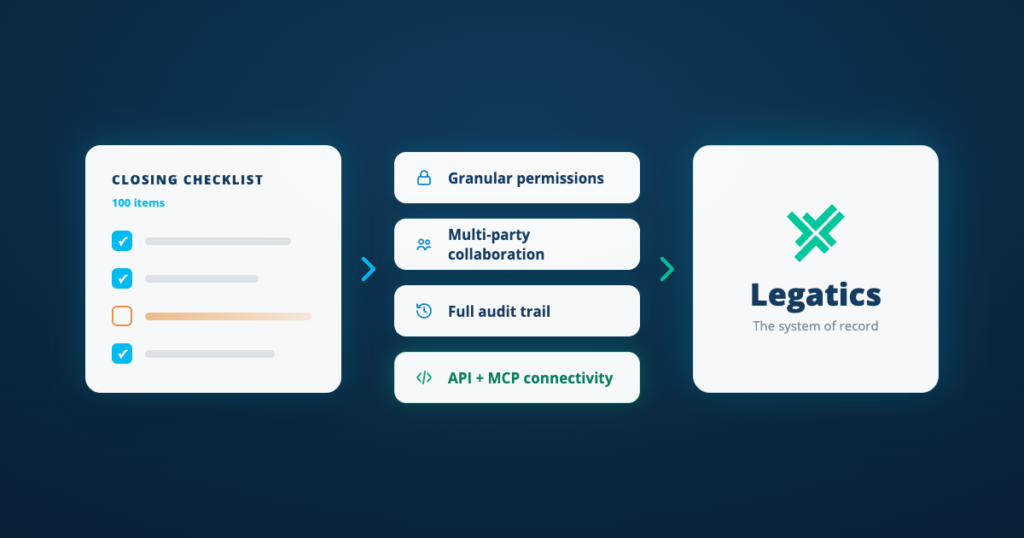
Control access at the list, section, row, column or document level — so every party sees what's relevant and nothing more.
Visibility without the admin
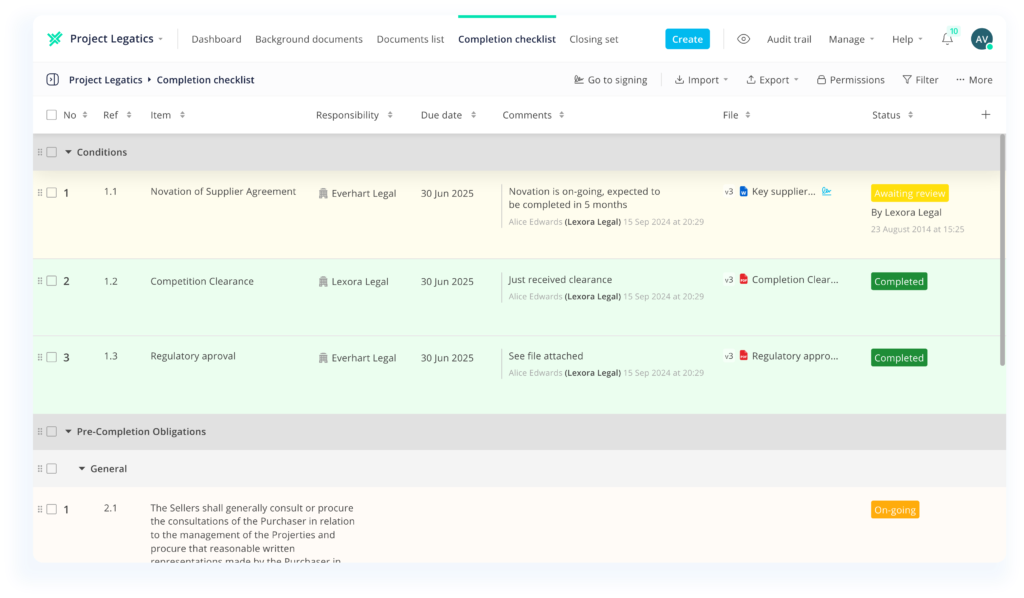
Progress, owners and deadlines at a glance. Partners check the list instead of asking around for an update.
One live list for every document, condition and task in your deal
Flexible list creation
Start from a template, import from Word or Excel, or reuse a structure from a past deal. 40+ templates get you live in seconds.
Granular permissions
Share at the list, section, row, column or document level. Every party sees exactly what they need — and nothing more.
Document management
Upload documents and versions directly to list items. Organize into sections, apply numbering and reorder with drag and drop.
Task and workflow tracking
Assign owners, set deadlines and automate notifications. Responsibilities are clear and progress is always visible.
Live dashboards and reporting
Track completion across every condition with colour-coded statuses, progress bars and filterable views. Export firm-branded lists to Word or Excel.
Client and counterparty access
Share live lists directly with clients and counterparties. They see real-time status without you building a single report.
How it works
Set up your list
Start from a template, import from Word or Excel or reuse a structure from a past deal.
Collaborate and track
Assign owners, upload documents, add comments and control who sees what.
Report and close
Track progress with live dashboards and export firm-branded lists to Word or Excel.
When to use Lists
Setting up a list in seconds
Start from one of 40+ templates, import from Word or Excel or reuse the structure of a list from a past deal.
Sharing exactly what each party needs to see
Set permissions at the list, section, row, column or document level, so clients and counterparties see only what's relevant to them.
Keeping documents and tasks together in one list
Upload documents and versions directly to list items, then assign owners and deadlines with automated notifications to track progress.
Reporting progress without building a single update
Track completion with color-coded statuses, progress bars and filterable views, then export firm-branded lists to Word or Excel.