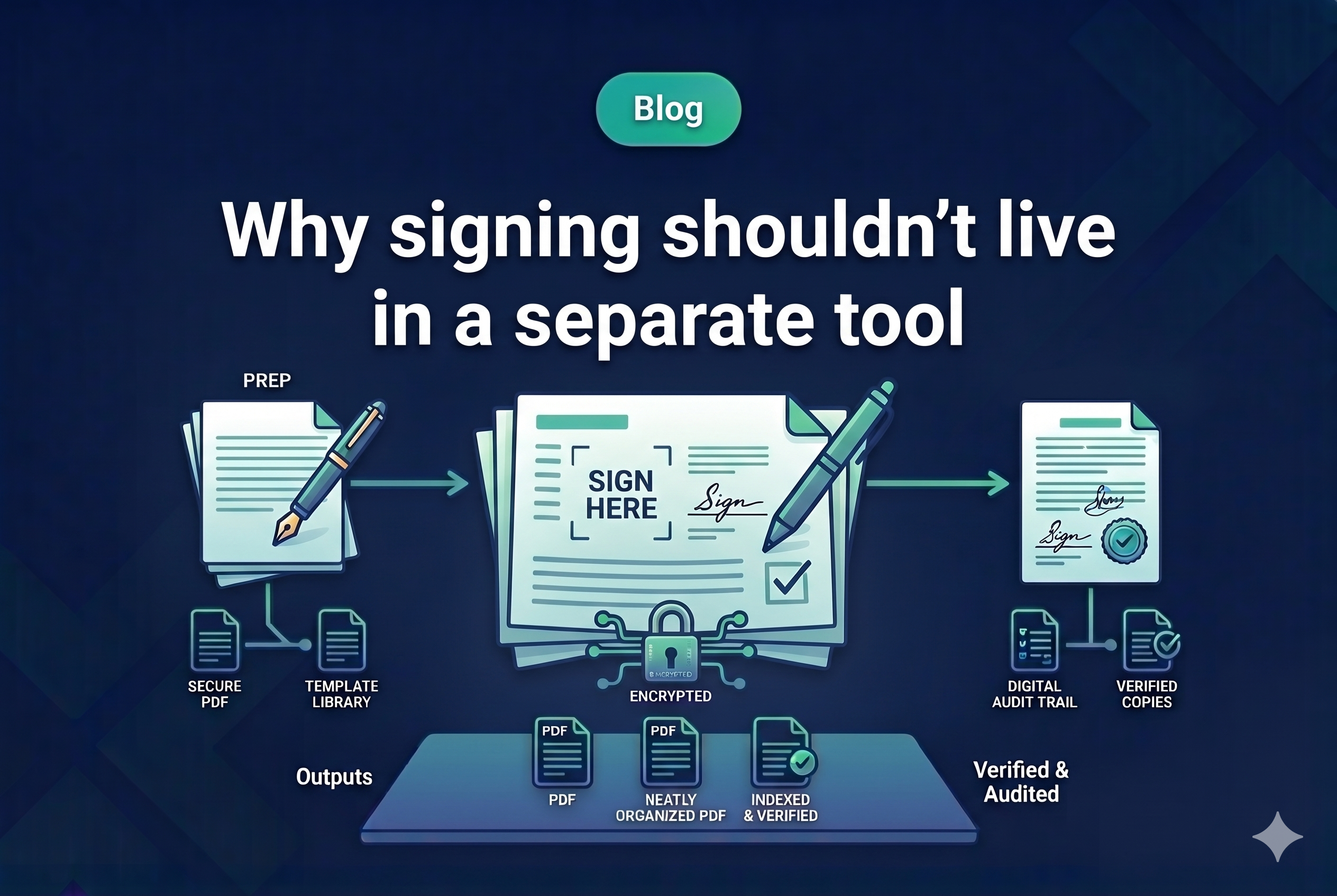


Most law firms have a signing tool. That’s not the problem. The problem is where it sits in the workflow.
Documents are prepared in Word. Uploaded to DocuSign as a separate step — or managed through a dedicated signing tool. Signing status is tracked in a spreadsheet, by checking DocuSign directly, or inside the point solution itself. When signed pages come back, someone downloads them, extracts the signature pages, and manually inserts them into the execution versions. That compiled set then has to be pulled together for the closing binder — another separate process.
At every stage, information has to move between systems. At every handoff, there’s a chance something goes wrong.
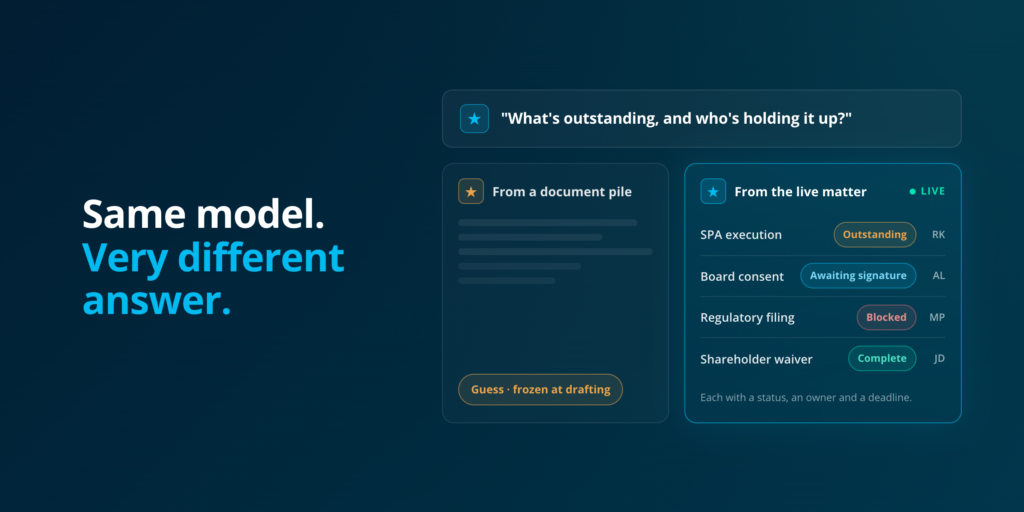
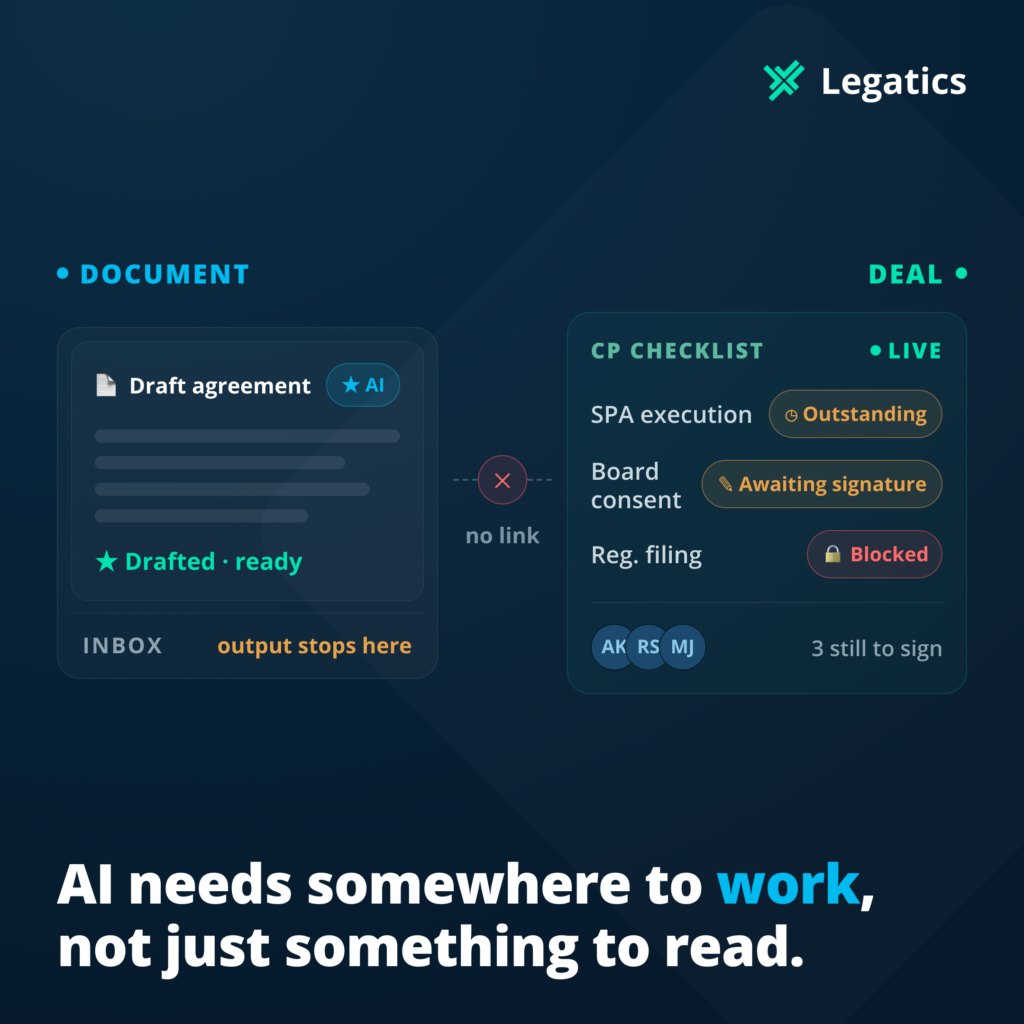
The fragmentation isn’t incidental. It’s structural. When signing lives in a standalone tool, it sits outside the matter workspace where the transaction is actually being managed. The checklist is in one place, the documents in another, signing status in a third. No one has a complete picture without checking all three — and no one does that in real time.
The consequences are predictable:
- Signing status is only as current as the last person who updated the spreadsheet
- Partners interrupt associates to ask for updates that should be visible without asking
- Version control issues emerge when the execution version in DocuSign doesn’t match what’s in the matter
- Post-closing document compilation starts from scratch because nothing connects
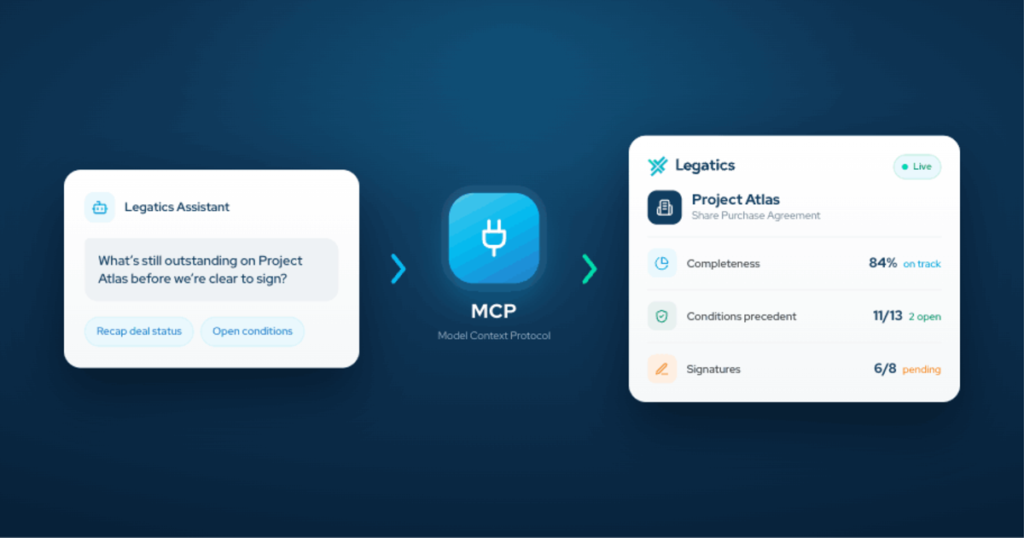
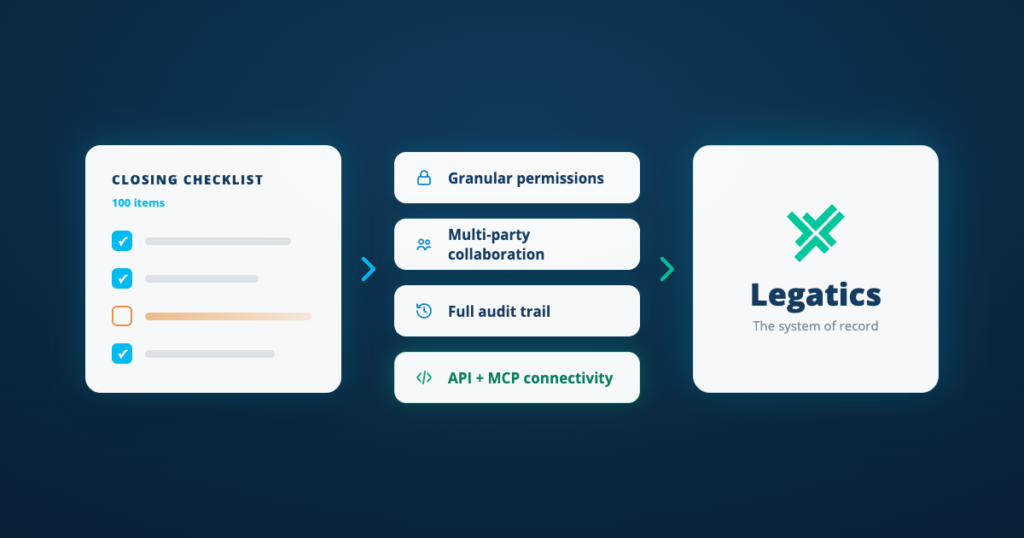
Legatics Signing sits inside the matter workspace — the same place the transaction checklist and documents already live. Documents pushed to DocuSign from Legatics are tracked in real time without logging into a separate system. Signed pages are automatically collated back into execution versions using AI detection. And once signing is complete, documents flow directly into Binders for closing set compilation.
The difference isn’t just efficiency. It’s a fundamentally different model — signing as part of the transaction, not alongside it.