Data Rooms

Secure data rooms, inside your deal

Secure document sharing that’s simple to set up, easy to manage, and built into your matter.

Stop using complex tools for a simple job.

Traditional data rooms are over-engineered and overpriced. Lawyers waste hours on setup, IT gets pulled in for every small change, and you still end up juggling a separate system outside your matter.

Secure sharing inside your matter—simple setup, full control, no IT required.

Share confidential documents with counterparties, manage access, and track every view. All from the same place you manage the rest of your deal.
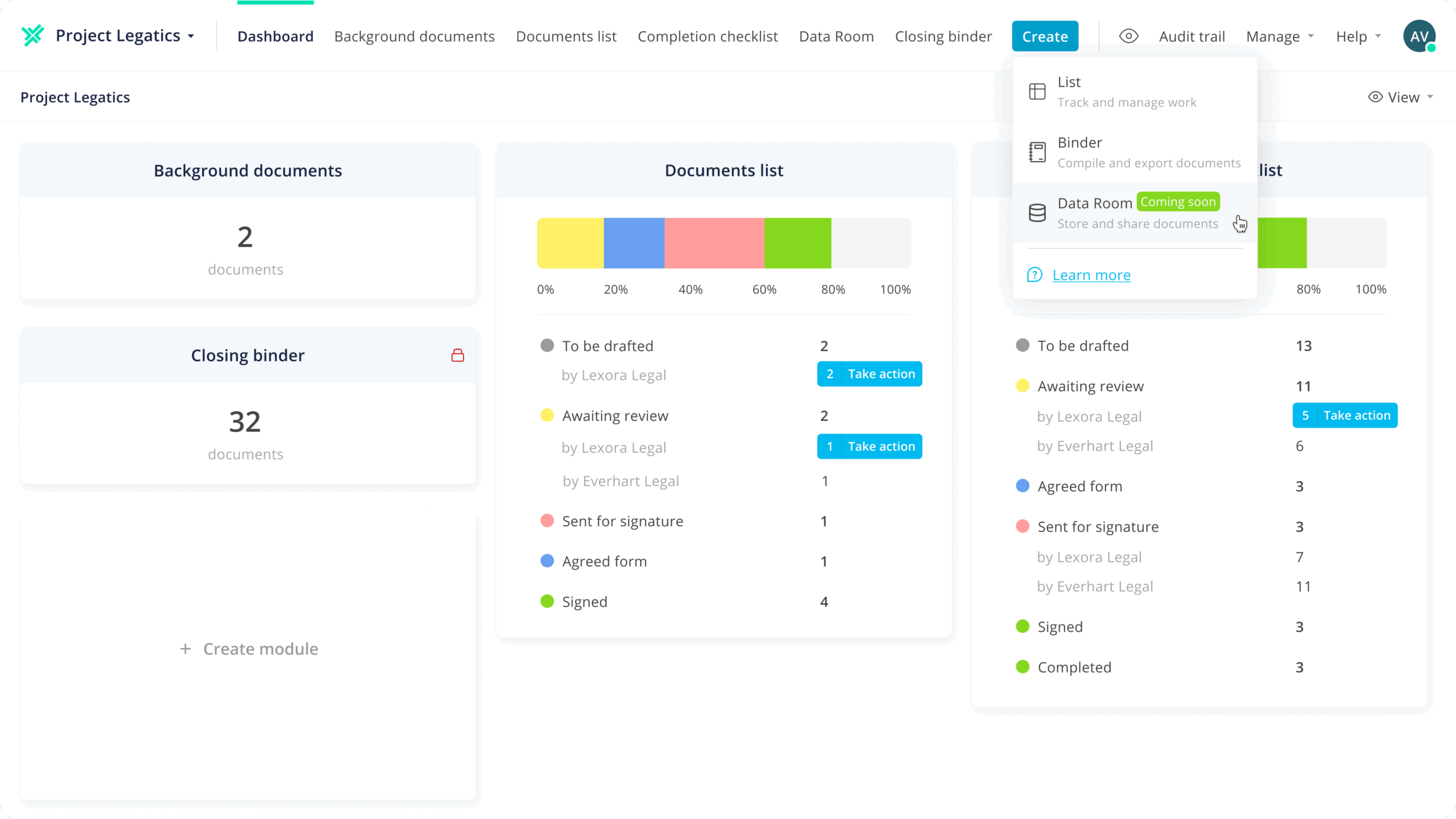
Secure document sharing, zero complexity

Set up in minutes, not days

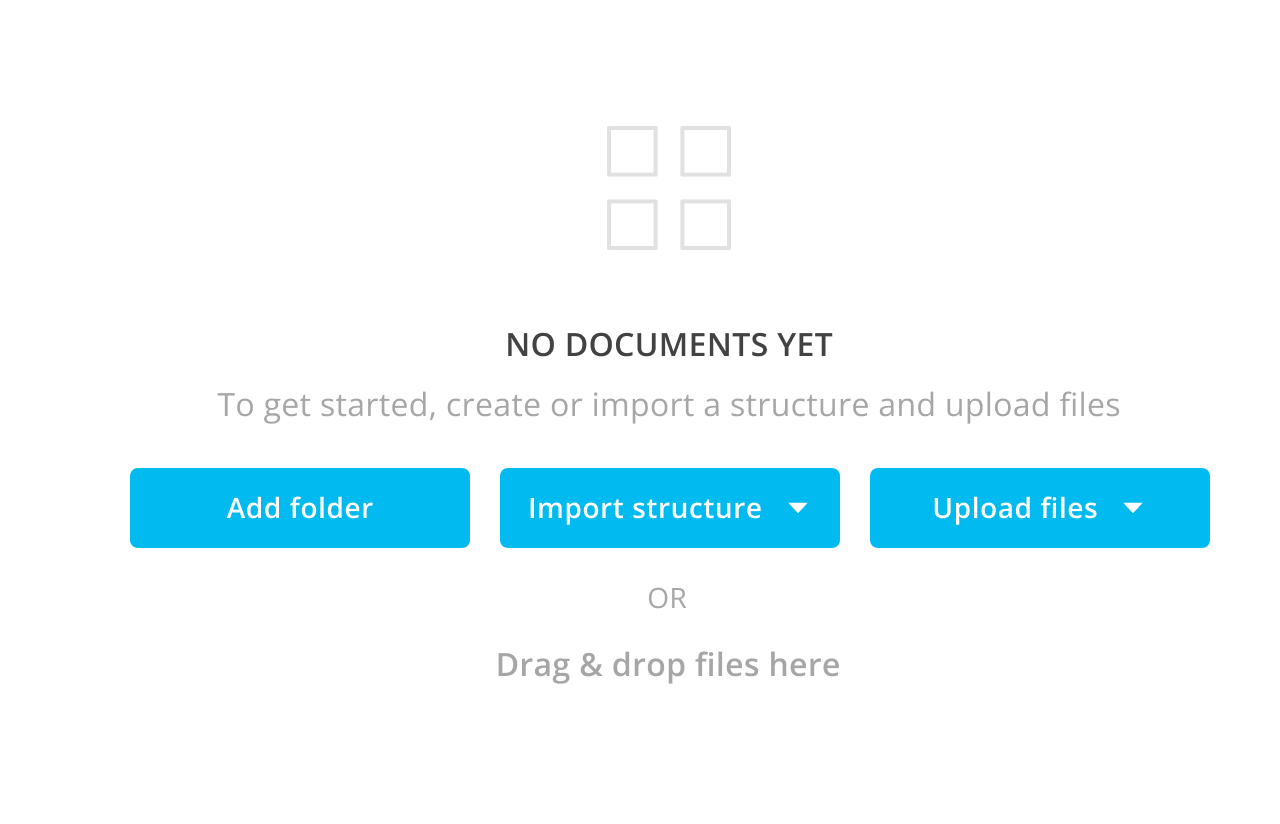
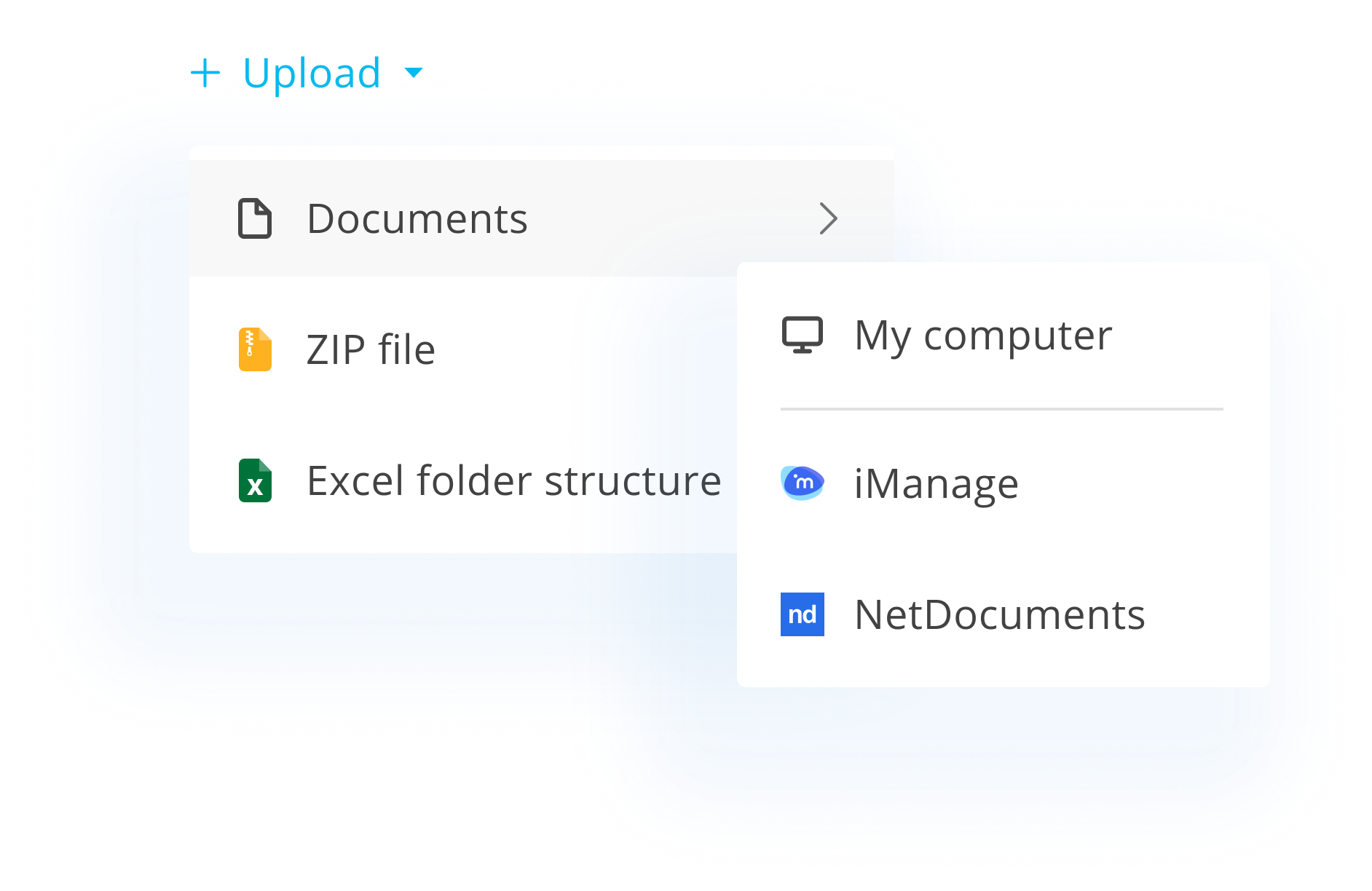
Excel or ZIP import gets your room live fast. No training manuals, no IT escalation.

Control who sees what

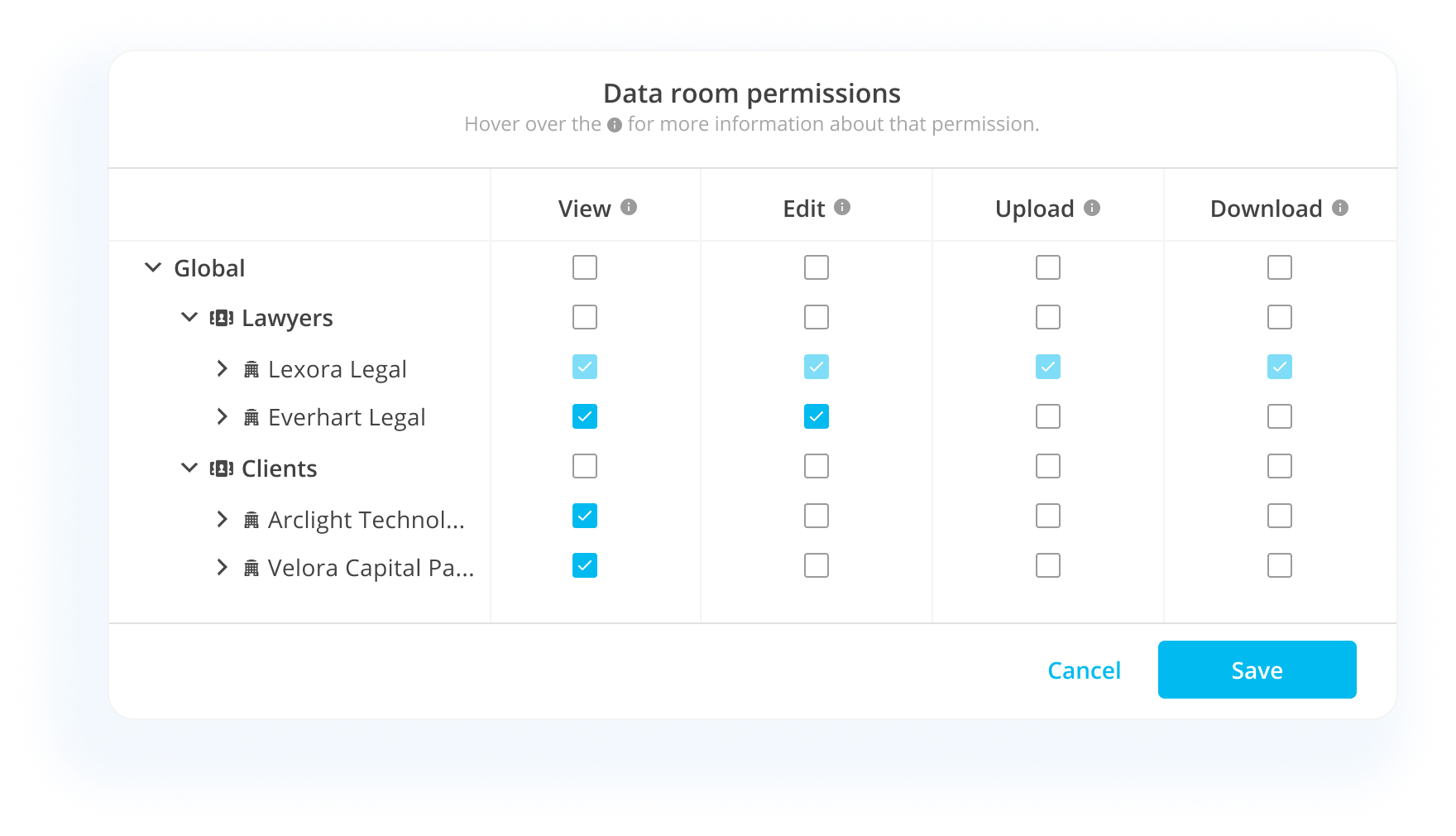
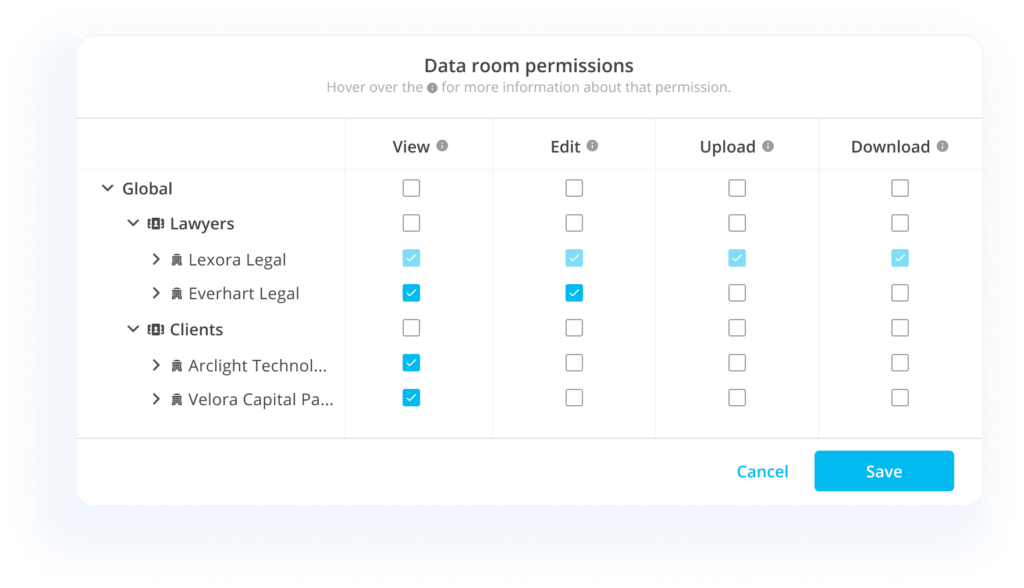
Granular permissions at folder, document, or user level. Revoke access instantly.

3.svg

Track every action

Full audit trail shows who viewed, downloaded, or shared any document. Exportable for compliance.

Preview.svg

View documents in-browser

No downloads required. PDFs, Office docs, and images render directly—secure and convenient.

fi_17508899.svg

Integrated with your DMS

Pull from iManage or NetDocuments. Push back when you’re done. No re-uploading.

Ecosystem.svg

Built into the matter

One login, one platform. Data Rooms lives alongside Lists, Signing, and Binders—not in a separate silo.

How it works

[01]

Import your documents

Upload files, drag in folders, or import a structured index from Excel. Your room is ready in minutes.

[02]

Invite and control access

Add organizations and users with specific permissions. Share confidential materials with confidence.

[03]

Monitor and manage

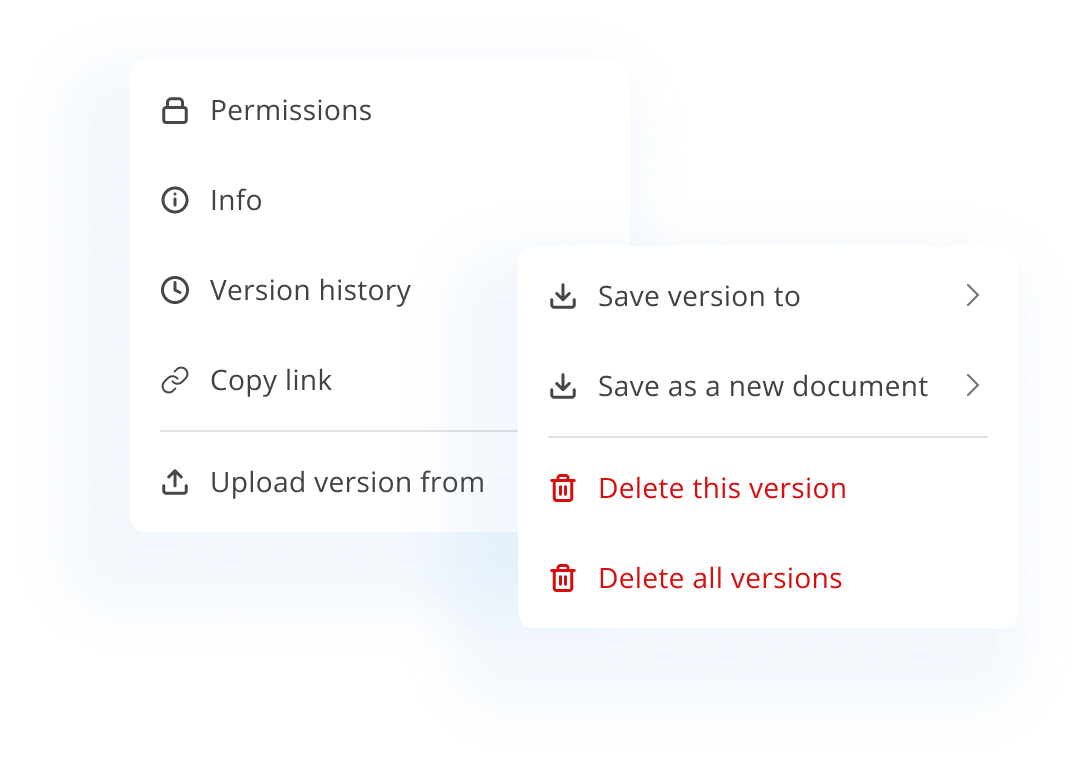
Track who’s viewing what in real-time. Adjust access, upload new versions, and export audit logs anytime.

Key capabilities

Dashboard

Get a quick snapshot of your environment. See how many matters have been created and how many users have access.

Reports.svg

Reports

Extract data insights from matters, lists in matters, users, and matter activity. Export for analysis and decision-making.

Management.svg

Matters and member management

Discover information about your matters and users and take actions on them, all from one convenient location.

Firm-Data.svg

Firm data

Set up and manage key data about your law firm, including companies and offices.

fi_17508899.svg

Integrations

Seamlessly connect your core tech stack—including SSO, iManage, NetDocuments and DocuSign—for a cohesive user experience.

Global-Settings.svg

Global settings

Take control of Legatics settings across your environment.

FAQ

Do I need IT involvement to manage users?

No. Legal ops teams can add users, manage permissions, and configure access directly. IT only needs to be involved for initial SSO setup.

Yes. Filter reports by team, practice area, office, or custom groupings. Identify power users and areas that need support.

Export usage reports showing matters managed, users active, and time saved. Combine with operational data to build your business case.

Yes. SSO integration with major identity providers. DocuSign configuration managed centrally. DMS connections (iManage, NetDocuments) configured here.

Yes. Every login, document view, permission change, and user action is logged with timestamps. Export audit logs for compliance reviews.

Data rooms, without the drama

Share documents with clarity, control, and zero friction using Legatics Data Rooms.

Scroll to Top