

Legal teams have always juggled more systems than they should. Documents in one place, signing in another, closing sets somewhere else. Every handoff between tools is a potential gap—a moment where something gets missed, a version goes out of date, or a client has to wait.
This release is about closing those gaps. It brings secure document sharing, smarter Binders and deeper reporting together inside Legatics, so your team can manage deals end-to-end without switching between platforms.
Here’s what’s new…
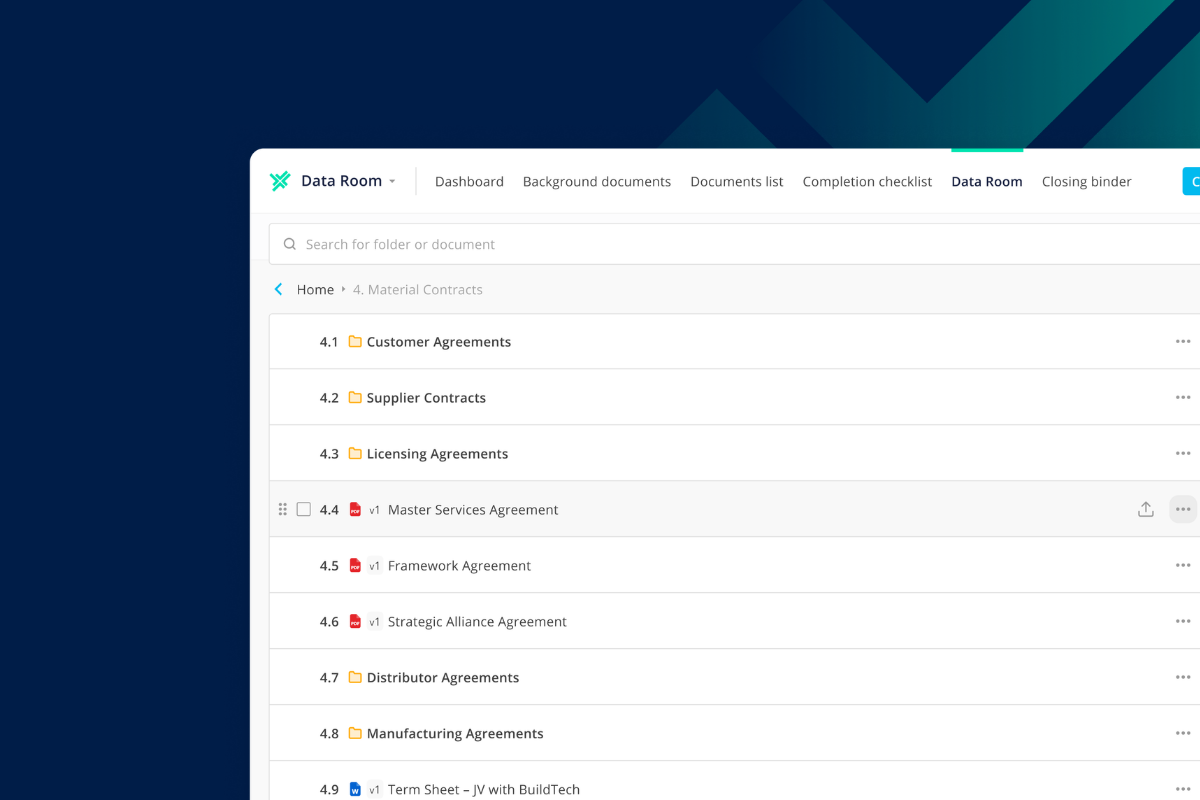
Data Rooms: secure document sharing, inside your deal workspace
The biggest addition in this release is Data Rooms—a new way to share deal documents securely with internal and external parties, without leaving Legatics.
Until now, teams often had to manage document sharing separately from the rest of the transaction. That meant maintaining deal records across multiple tools and keeping track of who had access to what at every stage. Data Rooms bring that into one controlled environment.
With Data Rooms, you can share documents with anyone involved in the deal, set precise permissions so each party sees exactly what they need to, and maintain a structured, consistent record of deal documents from start to finish.
It’s a natural extension of what Legatics already does well. The same platform your team uses to manage checklists, signing and closing now handles secure document sharing too.
Learn more about Data Rooms here or try our interactive demo below:
Smarter Binders, with less manual work
Binders have always been one of the most time-intensive parts of closing a deal. Capturing signing dates, identifying parties, keeping indexes up to date—much of it done by hand, often at the end of a long transaction when everyone is under pressure.
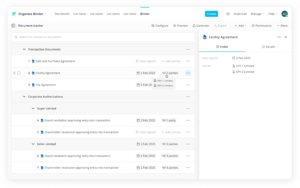
This release changes that. Binders now capture key deal data directly at document level, including signing dates and parties, and automatically reflect that information in your index. Whether you’re working with a content-style index or a table-style index, the data is pulled through without manual entry.
That means fewer inconsistencies at closing and less time spent on administrative tasks that don’t need to be manual.
We’ve also added PDF portfolio export for Binders. You can now export a complete, professional closing set as a PDF portfolio that preserves the original file formats. One clean package, ready to share with clients.
Greater visibility for admins
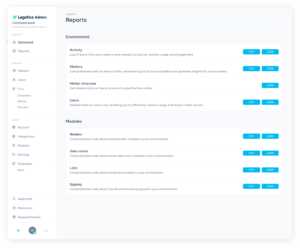
Good oversight requires good data. This release adds dedicated reports across Data Rooms, Binders, signing and Lists, giving administrators a clearer picture of how Legatics is being used across the organization.
You can see what’s been created, what’s active and how teams are working through the platform. Reports can be exported in CSV or JSON, making it straightforward to pull data into your own internal reporting tools.
For firms that need to demonstrate platform adoption, track usage across teams or support internal governance, this gives you the detail you need.
Built to get deals done
Alongside the headline features, this release includes a range of improvements across reporting, admin controls and platform configuration. Each one designed to reduce the small points of friction that add up over the course of a deal.
Legatics has always been built around what lawyers actually need. This release continues that—more of the deal managed in one place, less time spent on the work that shouldn’t take as long as it does.
What’s included in this release
New reports available across the platform:
– Data Rooms report
– Binders report
– Signing report
– Lists report
For full details, see the release notes:
– Legatics platform
– Admin system
Get started
See it in action. If you’d like to see how Data Rooms fits into your workflows, we’d be happy to show you. Book a demo or email us at info@legatics.com.